Back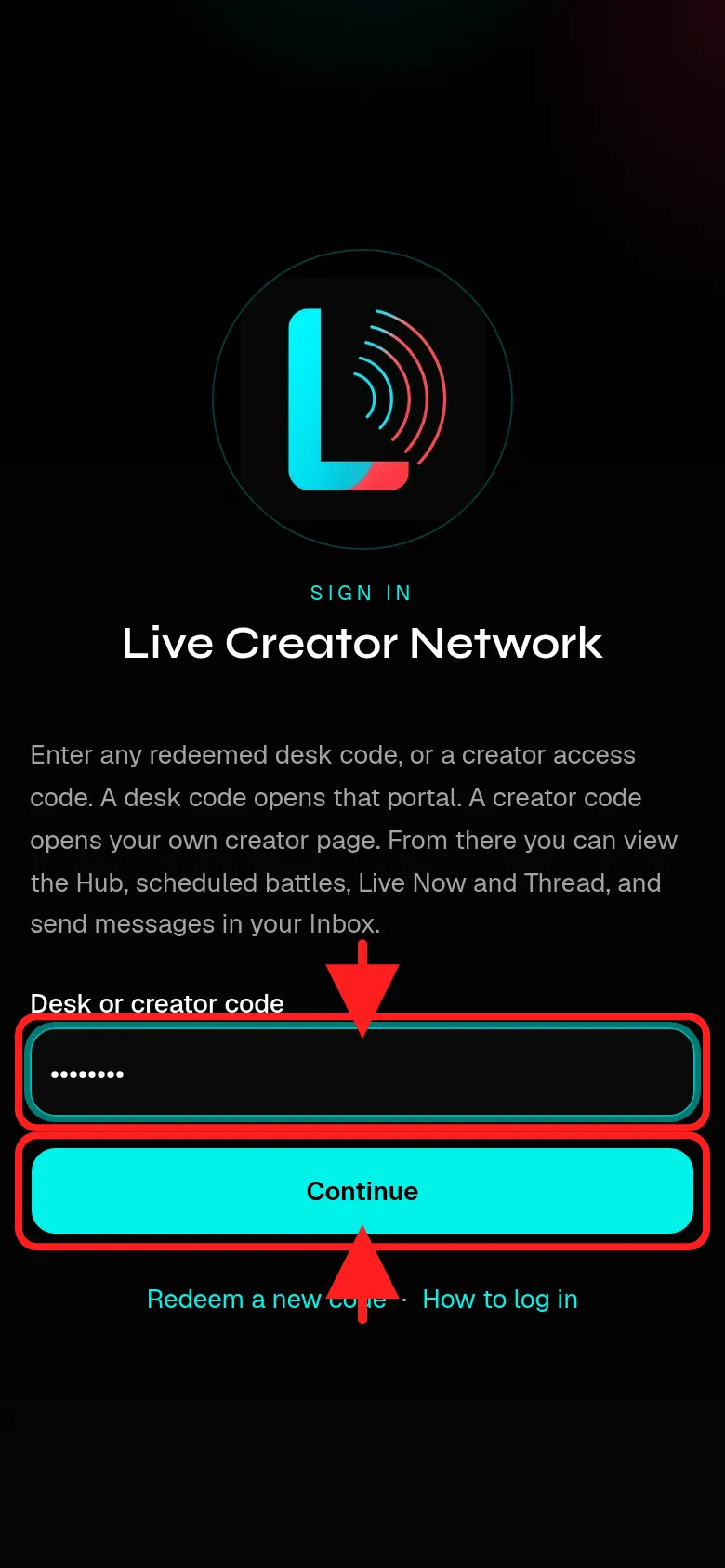
Sample code XXXX
How to
Short step-by-step guides with screenshots. Fake names and codes only.
Guide 1
How to log in: Creators
Use the creator access code your manager shared.
- Go to the login page, or tap Menu, then Login with code.
- Type your creator access code and tap Continue.
- You land on your own creator page. From there open Hub, Scheduled battles, Live Now, Thread and Inbox.
Your Scheduled battles list only shows battles where both sides are filled.