Back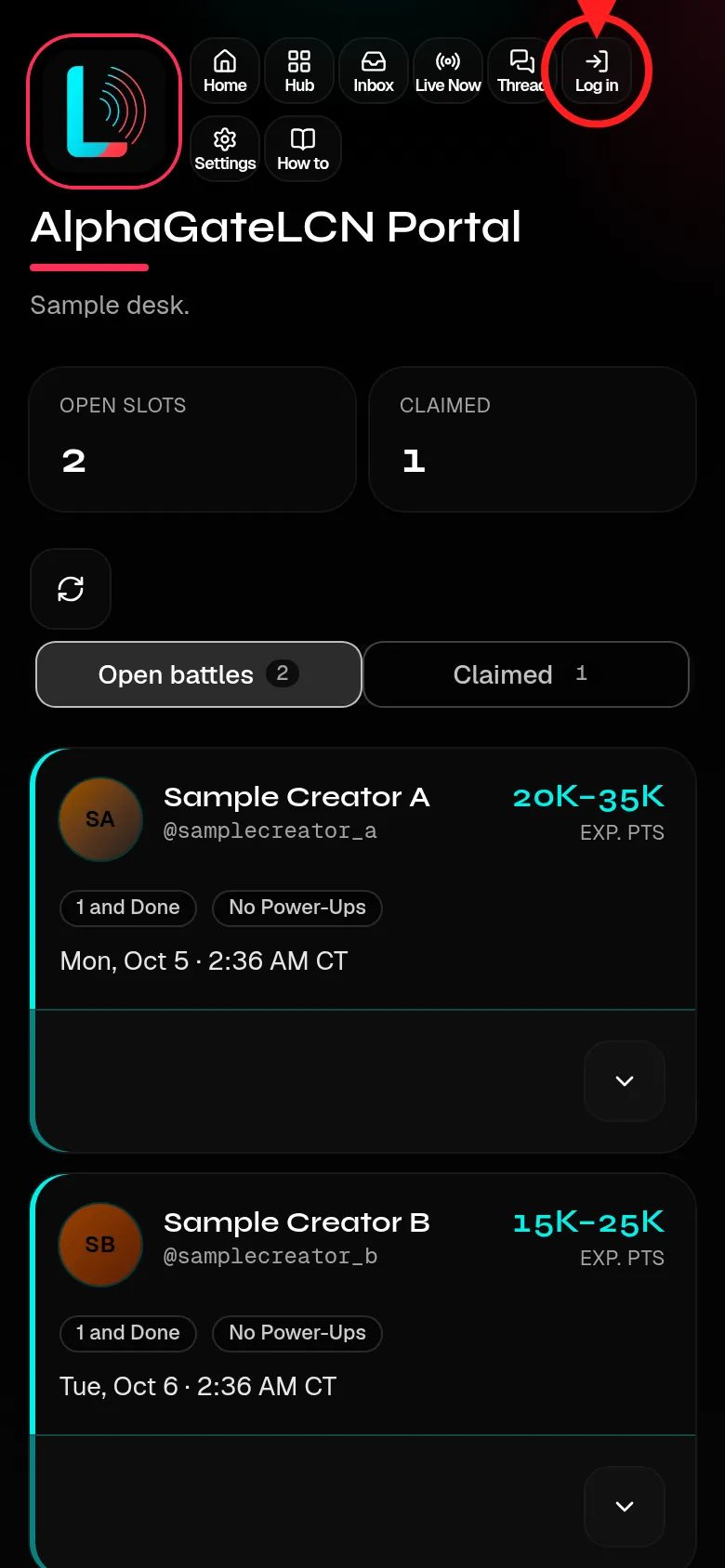
Step 3: Log in 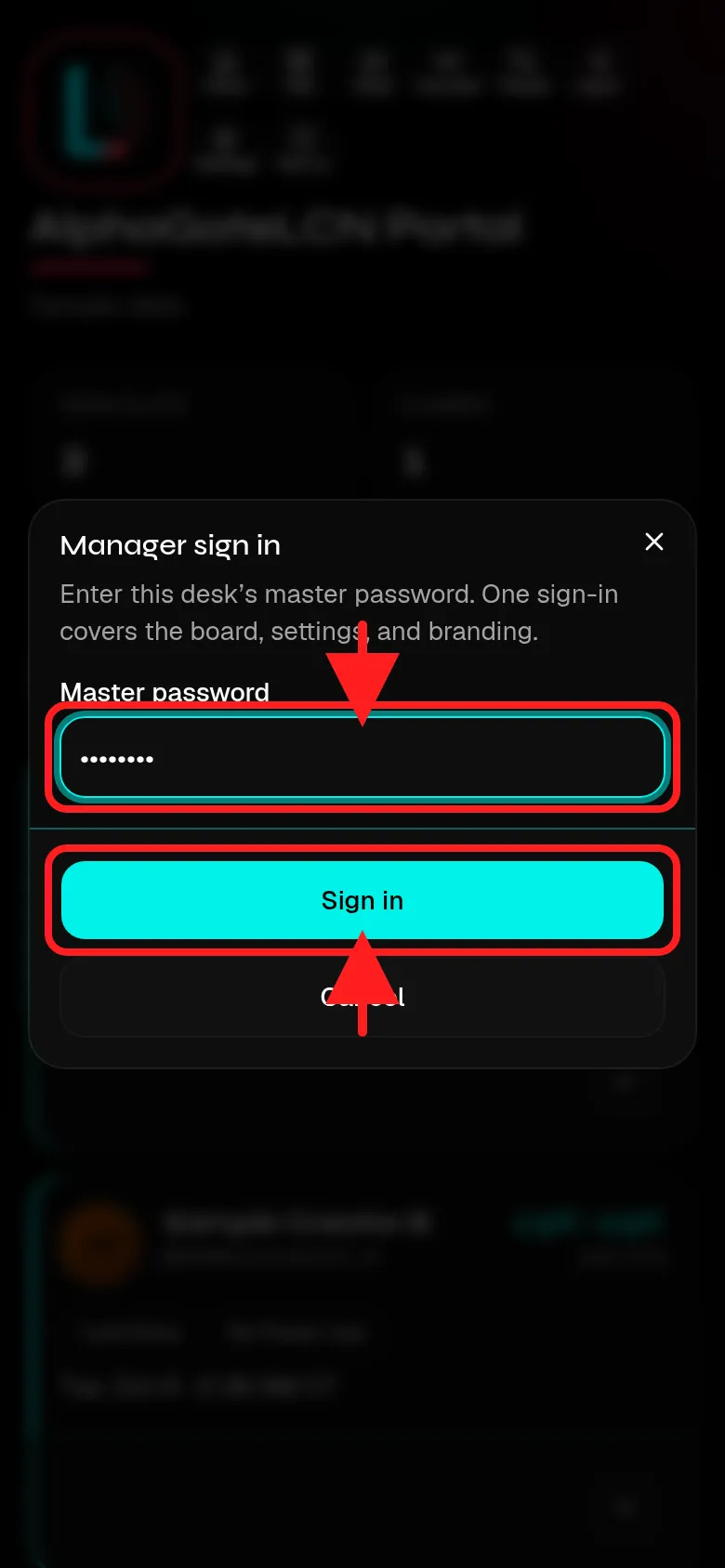
Password, then Sign in
How to
Short step-by-step guides with screenshots. Fake names and codes only.
Guide 1
How to log in: Managers
Your desk code opens your desk only.
- On the home page tap Menu, then Login with code.
- Type your desk code and tap Open desk. It opens your desk only. Your badge reads Manager.
- Signed out of your board? Tap Log in in the top row, type your desk password, and tap Sign in.